Why it was made
What started it?
The start was a wish to use CAD skill for students, and then meeting generative AI.
How was it built?
Long experience as a CAD operator and instructor, plus generative AI, made a CAD system that a new user can operate.
What comes next
The hope is that students and beginners use it for learning. Comments and feedback are welcome.
Three features of Beginner CAD
Arrow keys and numbers
After the start point, an arrow key sets the direction and a number sets the length. Horizontal, vertical, diagonal, and the width and height of a rectangle all use this input. Your hand stays off the mouse while you type the number.
Aids for an accurate drawing
A grid with a settable spacing, snap to endpoints and intersections, and draft lines that are not printed.
DXF and EPS export
Drawings can be exported so a laser cutter or another design program can read them.
Screens

A clear screen and assist

Length from the arrow keys

Snap and figure editing
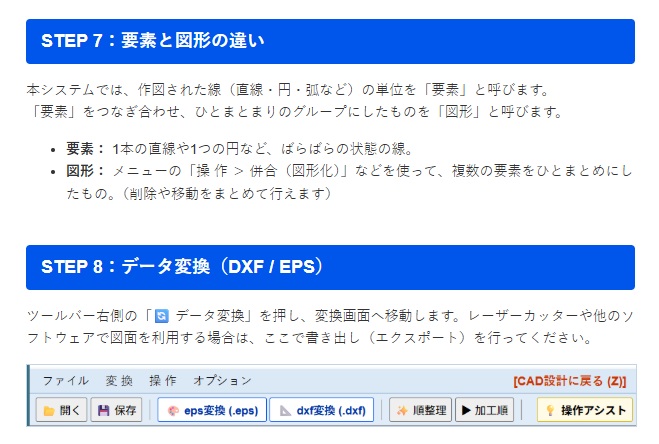
Group lines, then convert
Text and paper drawings become the same kind of figure
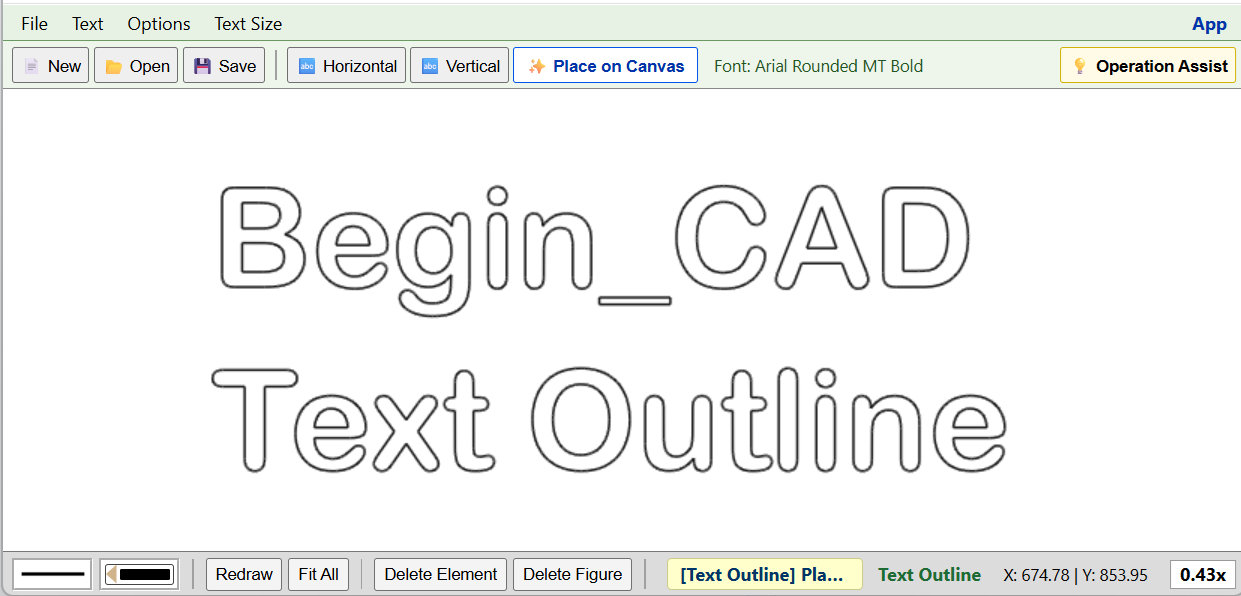
Text Outline
Outlines are made in the browser, so localhost and this site match. WOFF2 and font collections (.ttc), including many Yu Gothic and Meiryo files, are left off the list. Usable files are TTF, OTF, and WOFF. Placed figures stay visible in Data Convert and the Digitizer.
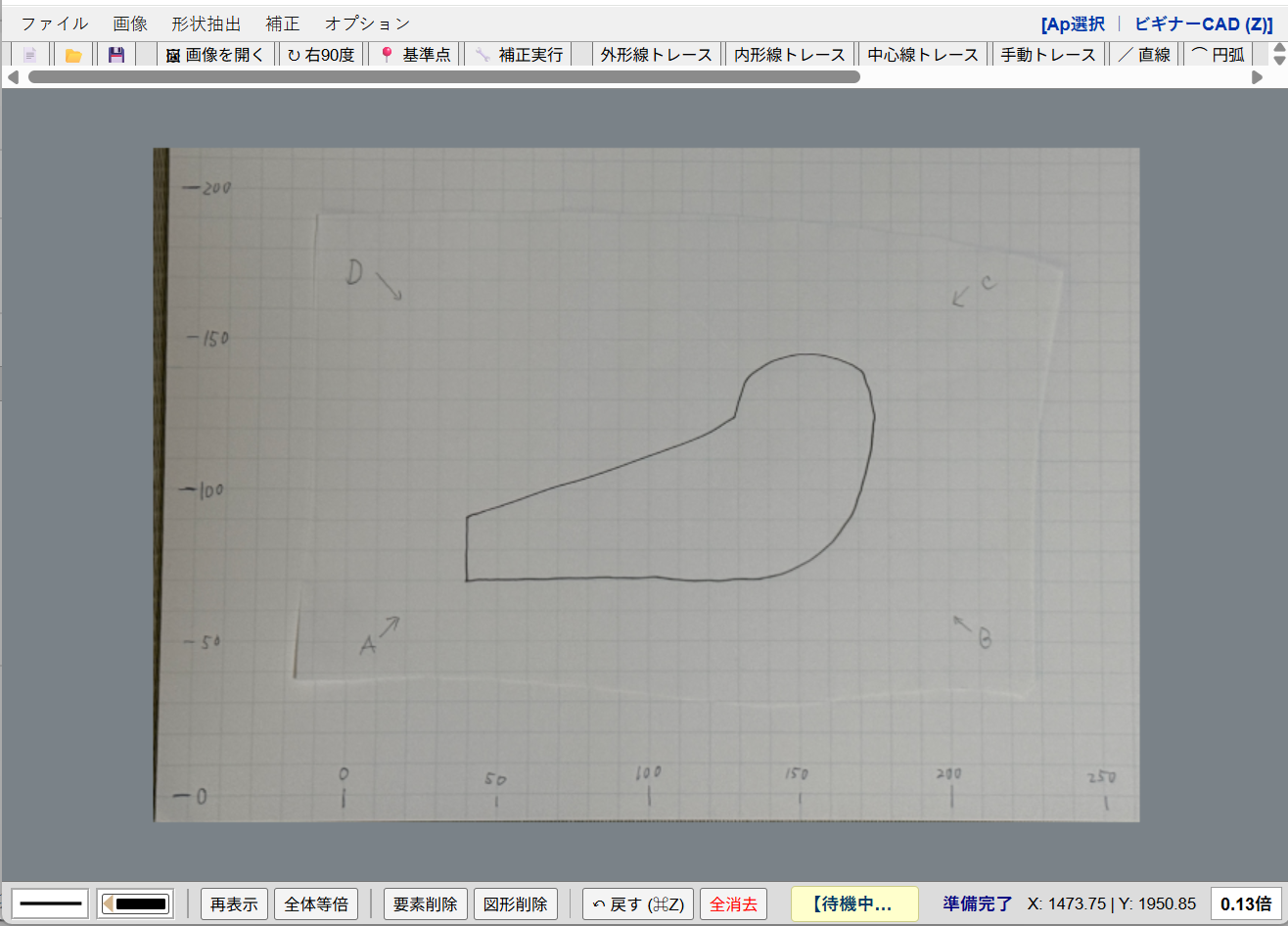
Digitizer
Specifications
| Where it runs, and the price | Runs in a web browser. No install. Free. |
|---|---|
| Drawing | Line, rectangle, and circle. After the start point, arrow keys and a number set the direction and length, and the mouse stays unused while you type. Fillet, and dimensions between elements |
| Drawing aids | Operation Assist, grid show/hide and spacing, snap to endpoints, intersections, and centers, horizontal and vertical draft lines |
| Editing | An element is one line. A figure is a group of lines. Organize, delete element, and delete figure. |
| Files | Export to DXF and EPS |
| Text Outline | Places a string as small lines and suggests a fitting font. The figure stays visible in Data Convert and the Digitizer. WOFF2 and font collections (.ttc) are left off the list. |
| Digitizer | Traces lines from a graph-paper photo and passes them to Beginner CAD. Switch from the App menu. |
Start learning
No account is required. Open the browser and start.
The online manual explains the details.